DNS & WINSOCK REPAIR
FAST NETWORK RESET
Quickly flush DNS cache, reset Winsock, and restore network communication settings. Helps solve common internet and connectivity problems.
Fast & reliable network troubleshooting.
Reset network settings, repair internet connectivity issues, and restore stable connections with a few clicks.
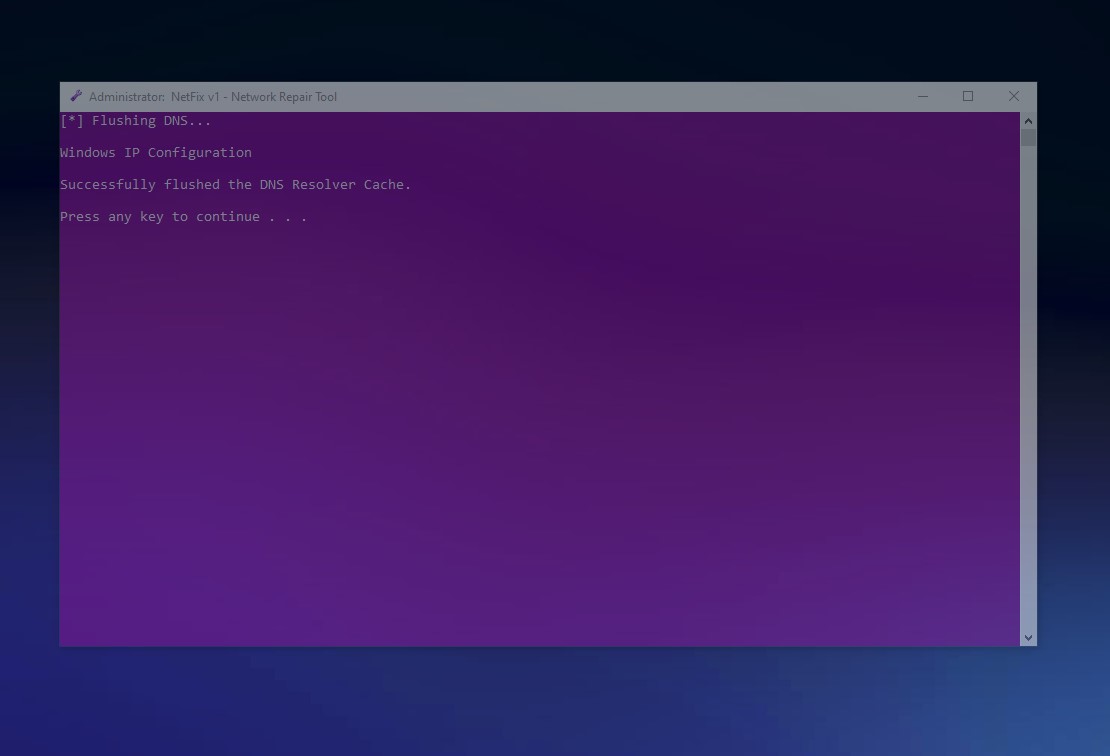
Quickly flush DNS cache, reset Winsock, and restore network communication settings. Helps solve common internet and connectivity problems.
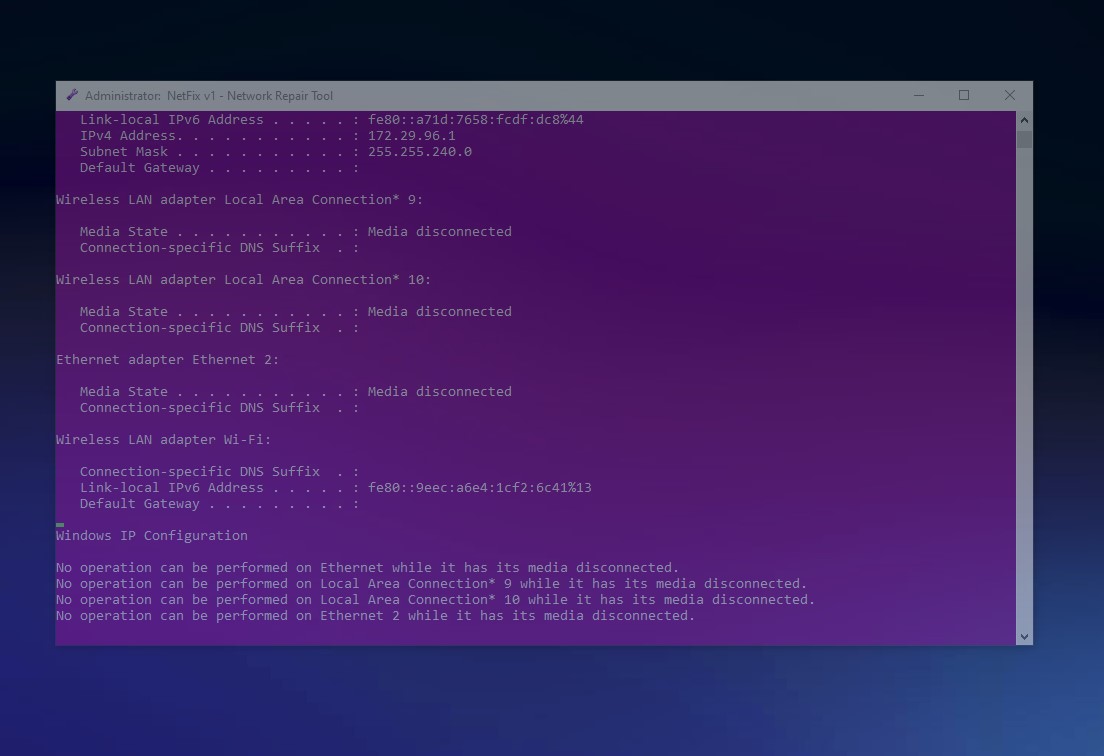
Perform a complete repair process including IP reset, proxy cleanup, TCP/IP reset, DNS cleanup, and network component restoration. Ideal for fixing unstable or broken connections.
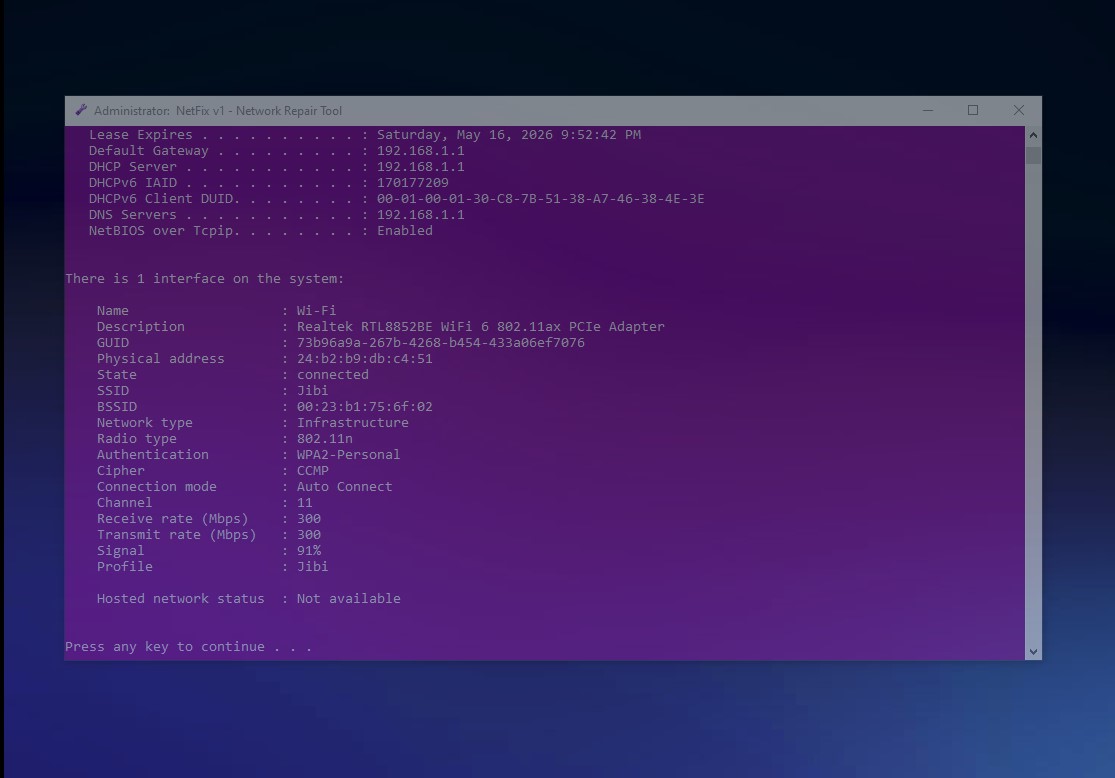
Display detailed network information including IP configuration, adapter status, and wireless connection details directly from the tool.
Designed for modern Windows systems with a fast, portable, and minimal setup.
Fully compatible with Windows 10 (64‑bit) and Windows 11.
May also work on Windows 8 / 8.1.
A small and efficient network repair tool designed to work without heavy resource usage. Suitable for both modern systems and older machines.
No installation required. Run NetFix whenever you need to repair or troubleshoot your network.
Instantly perform a complete network repair process with a single option. Useful for restoring broken internet connections quickly.
The utility runs locally on your system and does not require an active internet connection.
A clean and straightforward interface makes network troubleshooting fast and easy.

NetFix was created to simplify the process of repairing common Windows network problems without requiring complicated commands or advanced technical knowledge.
The goal was to build a lightweight and practical tool that helps users restore internet connectivity quickly and easily.
Built by Milad Abooali
Choose the right version for your system.
The 64‑bit build is recommended for most users.
Version 1.0 • Lightweight • No installation required
Compatible with Windows 10 & 11
Found a bug or have an idea to improve NetFix?
Let me know on GitHub and help improve the project.